
If a Stella Sora purchase was charged but not delivered, do not immediately buy the same item again. Identify the storefront and contact official support with its receipt and the intended game account. For Google Play or App Store orders, the release FAQ specifically asks for both the Friend-section UID and User Center UID, the receipt screenshot and the purchased package name.
Official Global release payment FAQ plus the October 2026 Steam payment rule. These are delivery-support instructions, not a refund decision or a promise of a particular processing time.
Sources checked:
On this page
Start with the payment route you used
Payment routes and documented next steps
Scroll the table sideways on a narrow screen.
| Payment route | Official guidance | Prepare |
|---|---|---|
| Google Play / Apple App Store | Do not repurchase the same item; support can verify and clear the failed transaction. | Friend UID, User Center UID, receipt screenshot and package name. |
| PayPal / Stripe in the official PC client | If delivery has not arrived after a reasonable time, contact game support. | Game UID and a screenshot of the PayPal/Stripe order receipt. |
| Yostar Top-up Center | The service requires a linked Yostar Account; the official FAQ tells players to verify the displayed account before paying. | The account and order details that identify the intended top-up; ask support to investigate the actual order. |
| Steam | The Steam FAQ says in-game purchases use Steam Wallet only, with the same item prices as other platforms. | Identify that the issue is a Steam purchase. The supplied Steam FAQ does not provide a separate failed-delivery evidence checklist. |
Collect the receipt and distinguish the two UIDs
For mobile-store orders, the two requested identifiers are the UID in the Friend section and the UID in User Center. They are separate requested fields; sending only one because it is labelled UID can leave the report incomplete.
- Apple: the official FAQ gives App Store → Apple ID → View Apple ID → Purchase History → Total Billed; capture the relevant order details. Follow the current purchase-history labels if the store interface has changed.
- Google Play: find the payment-receipt email and capture the receipt showing its GPA order number.
- Include the exact package name and describe that payment succeeded but delivery did not. Send receipts through official support, rather than a public comment thread.
Submit one clear delivery report
- Check the game account you are currently using and the storefront that actually charged you.
- Gather the applicable receipt, identifiers and package name listed above. Keep the original receipt available.
- Open Support → Contact Us on the login screen, or Menu → Support → Contact Us in-game. The official email is stellasora.cs@yo-star.com.
- Explain the missing delivery and provide the requested evidence. Follow support’s verification response before attempting to solve the same missing order by purchasing it again.
The official PC answer uses ‘a reasonable time’ without defining a number of minutes or hours. No fixed wait timer or refund eligibility is supplied here. A successful charge, an account switch and item delivery are separate things to check.
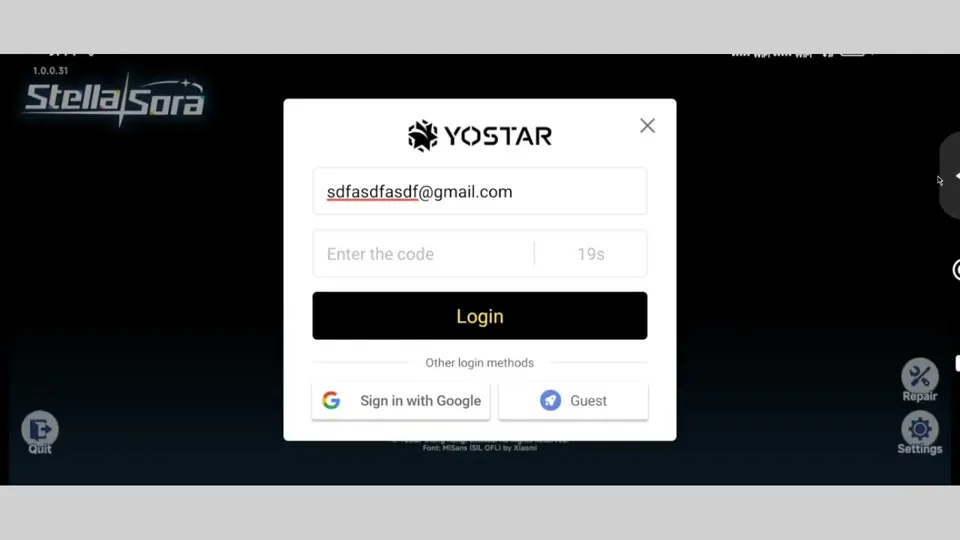
If the order seems tied to a different save, use the login-method check to identify the intended account.
Sources & scope
These notes organize the sources below. Creator observations belong to their authors; this site has not performed the gameplay tests. A source check is separate from a game update or publication date.
Browse this guide category · All guides