
In Stella Sora’s Ascension runs, prepare your Trekkers and Discs, choose Potentials and Musical Notes through the Monolith, then save the completed configuration as a Record. That Record carries the selected build into activities that use Records. The goal is to complete a coherent setup, rather than collecting every attractive upgrade independently.
Core Ascension loop from the supplied written guides and original Record-building observations. Individual floor/shop examples and score observations are historical; they do not establish a fixed route for every later Monolith difficulty.
Sources checked:
On this page
Prepare the lineup and Disc requirements
Choose the Main Trekker and two Support positions for the interaction you want to use. At the start of Ascension, equip up to three Main and three Support Discs. Main Discs supply their skills; Support Discs supply starting Musical Notes rather than their own Melody and Harmony effects.
Look at the Main Harmonies’ note requirements before selecting Support Discs. The original Record-building post describes choosing compatible note needs so its run currency is not spread across too many different notes. This is a way to organize the run, not a guarantee that every random choice will offer the desired reward.
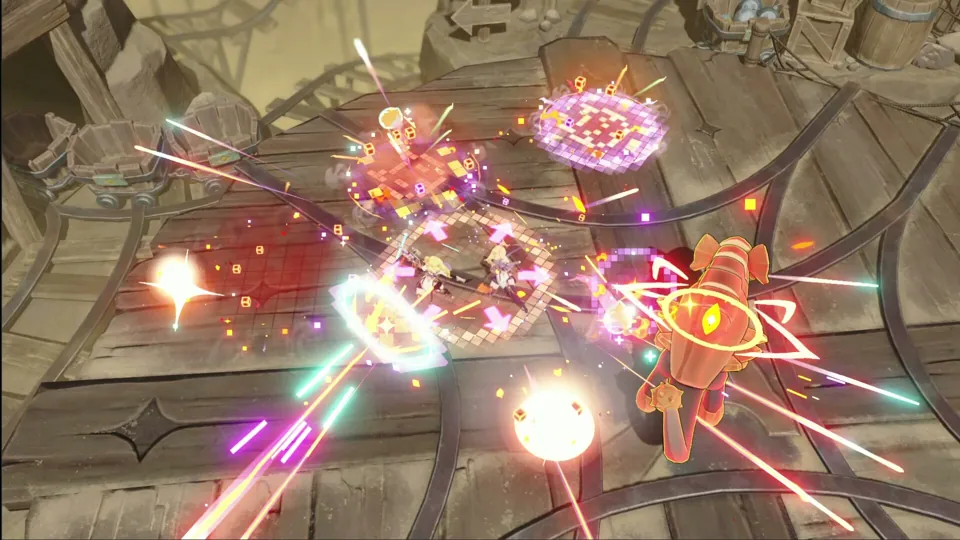
Keep Potentials and notes working toward the same result
The decisions that change an Ascension build
Scroll the table sideways on a narrow screen.
| Choice | Useful check | What it changes |
|---|---|---|
| Potential reward | Does it enable the team’s chosen interaction, or only add an unrelated bonus? | The skills, effects and upgrades collected in the run. |
| Musical Notes | Which Main Harmony still needs these notes? | Access to or levels of the relevant Harmony Skills. |
| Shop purchases and enhancements | Is the purchase needed for this build or for a particular score goal? | How the finite currency of this run is allocated. |
| Monolith Research | Which unlocked research effects apply to the run? | The conditions under which rewards and upgrades are offered. |
When an exact choice is unavailable, preserve the main interaction before chasing a score increase. A combat-focused build and a Record-level objective can reasonably choose differently. The original high-Record post explicitly warns that its scoring method is not necessarily an optimal damage build.
Complete the run and keep the resulting Record
The supplied Ascension explanation describes a Record as the saved result of the completed run, including the accumulated Potentials and Disc-related setup. The Disc reference also states that the Record retains the Disc configuration chosen at the start. Use that saved configuration when another mode asks for a Record; permanent character investment and the saved run result are distinct layers.
Before using a Record for an event submission, read the exact goal. Call for Best Records asks for eligible Records matching its requirements, not simply any completed climb. For combat, check the enemy and objective instead of assuming a larger Record number solves the encounter.
For the save controls and the consumption warning before event submissions, follow the Records guide.
Use the next attempt to fix one concrete problem
- If the build never activates its required Harmony, revisit Main/Support Disc note compatibility.
- If the team lacks its core interaction, prioritize the missing Potential or partner before unrelated upgrades.
- If the Record has a high score but weak encounter performance, inspect the actual damage setup and placement.
- If a submission rejects the Record, compare it with that submission goal before making another run.
Review the build layers before choosing what the next Record needs to improve.
Sources & scope
These notes organize the sources below. Creator observations belong to their authors; this site has not performed the gameplay tests. A source check is separate from a game update or publication date.
Browse this guide category · All guides